AI in ERP: Turning Your System of Record into a System of Foresight
AI in ERP adds forecasting, conversational analytics and automation on top of the data you already run in SAP, Oracle, Odoo, Dynamics or NetSuite. Here's how.
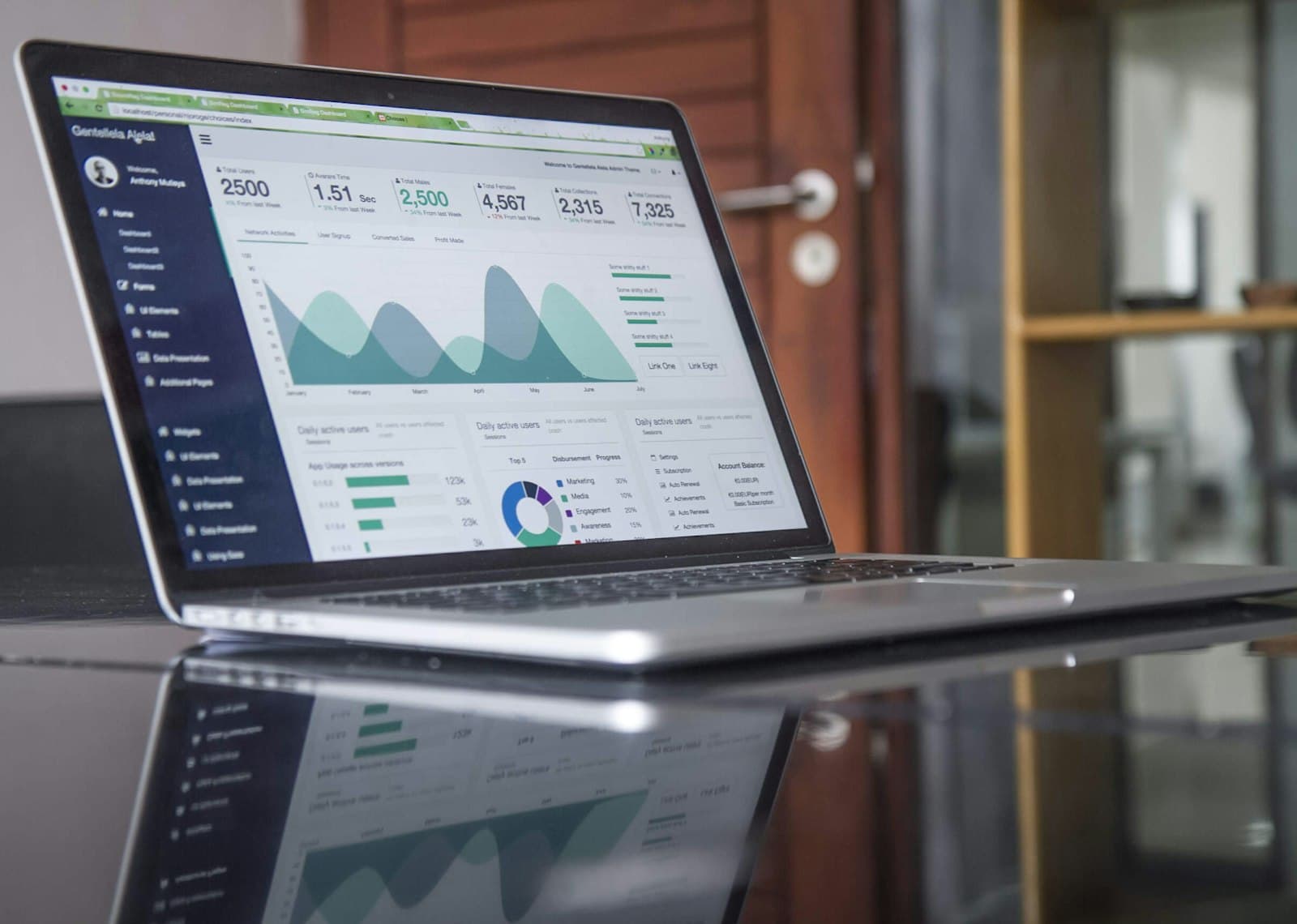
Every company running an ERP is sitting on a continuous, high-quality stream of structured data — orders, inventory, financials, production, procurement. It's clean, it's governed, and it describes exactly how the business operates. And most of it is used for one thing: looking backwards.
AI in ERP changes that. It turns your system of record into a system of foresight.
Why ERP data is the ideal AI fuel
Machine learning is only as good as the data it runs on, and ERP data is unusually well-suited:
- Structured and consistent — defined schemas, not messy free text.
- Governed — access controls and validation are already in place.
- Complete — it spans the operational core of the business.
You've already done the hard part of capturing it. The opportunity is to stop using it only for month-end reports.
What AI adds on top of the ERP
- Forecasting — anticipate demand, cash flow and capacity instead of reporting on them after the fact.
- Conversational analytics — ask questions of your ERP data in plain language, no report backlog. (More on AI in analytics.)
- Anomaly detection — flag unusual transactions, cost drift or supply risk the moment they appear.
- Automated document processing — extract and reconcile data from invoices and POs automatically.
- Autonomous workflows — for example, AI-driven accounts-receivable collections.
You don't replace the ERP — you augment it
The expensive myth is that adding AI means a new platform. It doesn't. The right approach integrates with the ERP you already run:
- Connect the relevant ERP tables to an AI layer.
- Pick one high-value decision currently made on lagging reports.
- Measure the lift against your existing baseline.
This keeps your system of record intact and de-risks the whole effort — you prove value in weeks, not quarters.
Vendor-specific guides
Running a particular ERP? We've written practical, platform-specific breakdowns:
- AI in SAP — Business One and S/4HANA
- AI in Oracle ERP
- AI in Odoo
- AI in Microsoft Dynamics 365
- AI in NetSuite
Where Technaptix fits
Intellyca integrates with SAP, Oracle and any ERP to deliver conversational analytics and forecasting on top of your existing data. Invoyser uses that same ERP data to run autonomous receivables collection. Both add intelligence without ripping anything out.
If your ERP is only telling you about the past, let's talk — your best AI asset is already in the building.
Frequently asked questions
What is AI in ERP?
AI in ERP means applying machine learning, language models and automation to the data inside your ERP system — enabling demand and cash-flow forecasting, plain-language analytics, anomaly detection and automated document processing on top of orders, inventory and financials you already capture.
Which ERP systems can add AI?
Practically any — SAP Business One and S/4HANA, Oracle ERP, Microsoft Dynamics, Odoo, NetSuite and others. The key is a tool that integrates with your ERP's data rather than requiring you to replace the system.
Do we need to replace our ERP to use AI?
No. The most cost-effective approach layers AI on top of your existing ERP through integration, so you keep your system of record and add intelligence without a rip-and-replace project.
What are the best first AI use cases in ERP?
Demand forecasting, cash-flow forecasting, automated accounts-receivable follow-ups, anomaly and fraud detection, and natural-language reporting are the highest-ROI starting points because the data already exists and the value is measurable.
Related articles
Your ERP Data Is the Most Underused AI Asset You Own
Most enterprises sit on a goldmine of structured operational data and never use it for more than month-end reports. Here's how to change that.
AI in Business: A Practical Guide to Adoption, Use Cases and ROI
A no-hype guide to AI in business — where it actually creates value, how to pick your first use case, and how to measure ROI without a data-science department.
AI in SAP: Conversational Analytics and Forecasting for Business One & S/4HANA
How AI in SAP works in practice — plain-language analytics, forecasting and automation on top of SAP Business One and S/4HANA, without replacing your SAP investment.